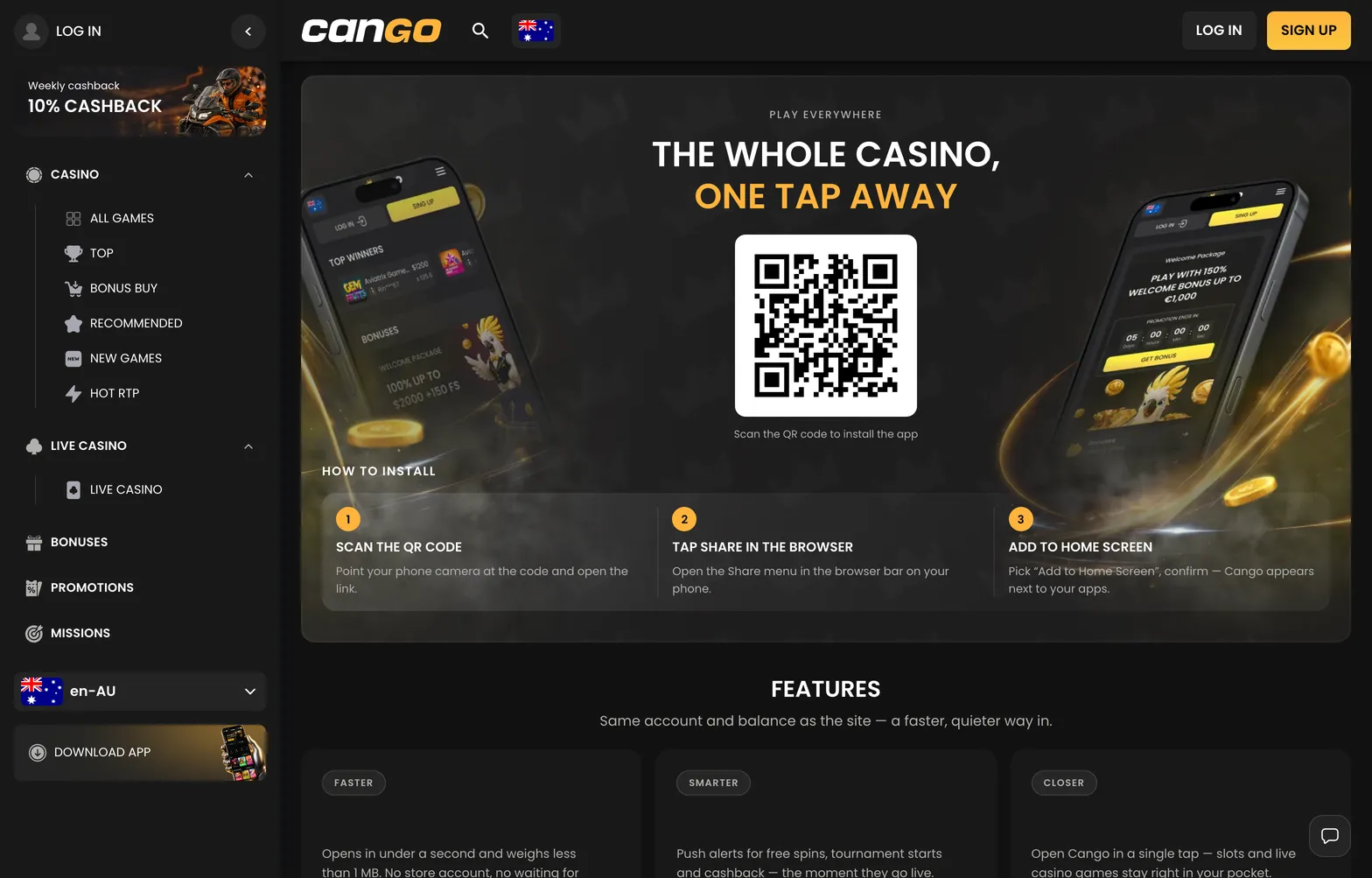

Reaching the cango login panel takes one tap in the top right corner of the lobby on desktop or mobile, opening the gateway to real-money pokies, cashier tools and the Missions menu. Australian players use a single registration and sign-in modal that handles standard email credentials alongside one-click Google authentication. You select your permanent account currency, such as AUD, during the initial cango sign up, and the system locks that choice for all future deposits and cashouts. Because the platform enforces a strict one-account rule per person, household and device, knowing how to manage your session, reset a forgotten password and avoid VPN blocks keeps your balance accessible without triggering security locks.
Where in the lobby: Top right header → Log In or Sign Up button (or Left Menu → Profile icon after sign-in); type a title like Bonanza Billion or 3 Hot Chillies into the top search bar once inside to jump straight from your account screen to the reels.
Cango casino login: login in brief
Every action from creating a new profile to recovering a locked session happens inside the main header overlay or the 24/7 live chat widget. When you complete a cango casino login, the interface switches from guest demo mode to your live AUD wallet, revealing hidden tabs like Missions and the full promotions schedule. Below is the exact sequence of actions required to register, enter your account, claim the first deposit welcome package and troubleshoot common access barriers.
| Step | What to click | Common mistake |
|---|---|---|
| New registration | Tap Sign Up in the top header, fill in email, 8+ character password, country and AUD currency | Leaving EUR or CAD selected by accident, as currency cannot be changed after sign-up |
| Promo code entry | Tick the I have a promo code field during sign-up or in the cashier and type WP1 | Depositing less than A$45, which misses the 150% match and 300 free spins requirement |
| Standard sign-in | Tap Log In, enter your registered email address and your 8+ character password | Running an active VPN in the background, which violates site rules and blocks access |
| Password reset | Click Forgot Password inside the Log In pop-up and submit your account email | Looking only in the main inbox while the automated reset message sits in the spam folder |
| Session recovery | Open the 24/7 live chat icon in the bottom corner and wait about 2 minutes for an agent | Creating a second duplicate account instead of asking support to open the original profile |
Setting up your profile for the first time via the cango sign up form takes under a minute because everything sits on a single screen. You type a valid email address, create a password of at least 8 characters, confirm Australia as your country and select AUD as your wallet currency. Right below the currency dropdown sits the promo code box where you enter WP1 to prime your account for the 150% welcome bonus up to A$1,500 plus 300 free spins. You must tick the 18+ age and terms consent checkbox before submitting, while the marketing newsletter box comes ticked by default so you can untick it if you prefer fewer emails.
Returning players use the standard cango sign in tab right next to the registration button. If you mistype your 8+ character password several times in a row, the system temporarily freezes the sign-in button to protect your balance. Rather than guessing again, use the password reset link inside the modal to receive a fresh recovery link by email, or message the 24/7 live chat team where an agent typically responds within about 2 minutes to verify your details and clear an account locked status. Keep in mind that logging in simultaneously across two devices, such as your desktop browser and a mobile PWA icon, can cause the older session to time out automatically when you open a real-money pokie.